


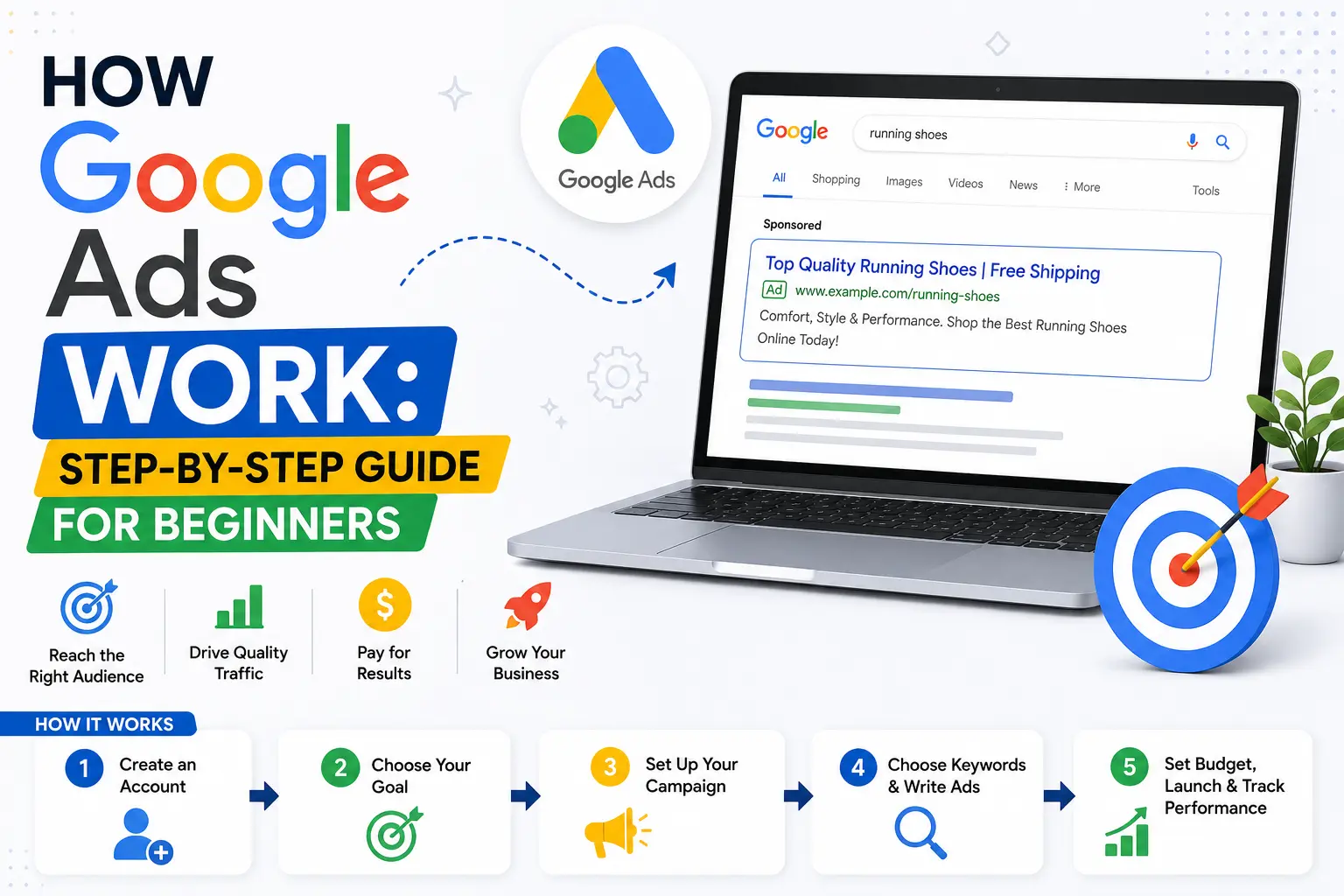
If you’re looking for a fast and effective way to reach potential customers online, Google Ads is one of the most powerful digital marketing platforms available. Understanding How Google Ads Work helps businesses display ads to users who are actively searching for products or services, making it easier to generate qualified leads, website traffic, and sales. Whether you own a small business or are starting your digital marketing journey, learning the basics of Google Ads is the first step toward running successful advertising campaigns.
In this beginner-friendly guide, you’ll learn the Google Ads process step by step, from setting up your account to launching and optimizing your first campaign.
Why Learn How Google Ads Work?
Google processes billions of searches every day, giving businesses an opportunity to connect with customers at the exact moment they are searching for relevant solutions. Unlike traditional advertising, Google Ads allows you to target users based on keywords, location, demographics, interests, devices, and even previous online behavior.
The platform follows a Pay-Per-Click (PPC) model, meaning advertisers pay only when someone clicks on their ad. However, success depends on much more than bidding the highest amount. Google also considers Quality Score, ad relevance, landing page experience, and expected click-through rate when determining which ads appear.
Understanding How Google Ads Work helps beginners create cost-effective campaigns while maximizing their return on investment.
How Google Ads Work: Understanding the Basic Process
Before creating your first campaign, it’s important to understand the overall advertising workflow.
Google Ads follows a straightforward process:
- Create a Google Ads account.
- Choose your campaign objective.
- Select your campaign type.
- Define your target audience.
- Choose relevant keywords.
- Write compelling advertisements.
- Set your budget and bidding strategy.
- Launch and monitor your campaign.
Each step plays an essential role in improving campaign performance and ensuring your ads reach the right audience.
Google Ads for Beginners: Start with the Right Campaign Goal
Many advertisers make the mistake of creating campaigns without defining clear objectives. Google Ads for beginners should always begin by selecting a campaign goal that aligns with business needs.
Google offers objectives such as:
- Website traffic
- Lead generation
- Online sales
- Brand awareness
- App promotion
Choosing the correct objective helps Google’s algorithm optimize your campaign more effectively. This approach makes Google Ads for beginners much easier because campaign settings are tailored to the selected goal.
Step 1: Create Your Google Ads Account
The first step is signing in with your Google account and creating a Google Ads account.
During setup, you’ll provide basic business information, including your website, billing details, and business location.
After completing registration, you’ll gain access to Google’s advertising dashboard, where all campaigns, keywords, reports, and performance metrics are managed.
Step 2: Select the Right Campaign Type
Google Ads offers several campaign types designed for different marketing goals.
These include:
- Search Campaigns
- Display Campaigns
- Shopping Campaigns
- Video Campaigns
- Performance Max Campaigns
- Demand Gen Campaigns
- App Campaigns
Beginners usually start with Search Campaigns because they target users actively searching for products or services.
Step 3: Perform Keyword Research
Keywords determine when your advertisements appear in Google Search.
Choose keywords that closely match what your potential customers are searching for. Use tools such as Google Keyword Planner to identify search volume, competition, and commercial intent.
Avoid selecting only broad keywords. Instead, combine Exact Match, Phrase Match, and relevant negative keywords to improve targeting and reduce wasted clicks.
Google Ads Step-by-Step Guide to Writing Effective Ads
A successful Google Ads step-by-step guide must include writing compelling advertisements.
Your ad should contain:
- A relevant headline
- Clear customer benefits
- Strong call-to-action
- Relevant keywords
- Trust-building information
Responsive Search Ads allow Google to test different combinations of headlines and descriptions, improving the likelihood of higher click-through rates.
Following this Google Ads step-by-step guide helps beginners create advertisements that attract qualified visitors rather than random clicks.
Step 4: Set Your Budget and Bidding Strategy
One of the advantages of Google Ads is complete budget control.
You can decide:
- Daily advertising budget
- Maximum bid per click
- Bidding strategy
- Campaign schedule
- Geographic targeting
Beginners often benefit from Smart Bidding strategies like Maximize Clicks or Maximize Conversions because Google’s machine learning automatically adjusts bids based on conversion potential.
Start with a manageable budget and increase spending only after identifying profitable campaigns.
Explore More : Link Building Service in Vidisha | Link Building Service in Shivpuri | Link Building Service in Guna
How to Use Google Ads for Better Campaign Performance
Learning How to use Google Ads goes beyond creating campaigns. Continuous optimization is essential for long-term success.
Review campaign reports regularly and monitor important metrics such as:
- Click-Through Rate (CTR)
- Conversion Rate
- Cost Per Click (CPC)
- Cost Per Conversion
- Quality Score
- Search Terms Report
By understanding How to use Google Ads, advertisers can make informed decisions that improve campaign performance while reducing unnecessary ad spend.
Step 5: Optimize Your Landing Pages
Your advertisement is only one part of the customer journey.
After users click your ad, they should arrive on a landing page that directly matches the advertisement’s message.
A high-converting landing page should include:
- Fast loading speed
- Mobile-friendly design
- Clear headline
- Relevant content
- Customer testimonials
- Simple contact form
- Strong call-to-action
An optimized landing page increases conversions while improving Quality Score.
Google Ads Campaign Setup Best Practices
Proper Google Ads campaign setup helps beginners avoid common advertising mistakes.
Organize campaigns into tightly themed ad groups based on products, services, or customer intent. Each ad group should contain closely related keywords and advertisements that match those search terms.
Good Google Ads campaign setup also includes conversion tracking, audience targeting, location settings, and ad extensions that improve visibility and user engagement.
Step 6: Monitor and Improve Campaign Performance
Launching a campaign is only the beginning.
Successful advertisers continuously optimize campaigns by:
- Reviewing keyword performance
- Adding negative keywords
- Testing new ad copy
- Improving landing pages
- Adjusting bids
- Refining audience targeting
Even small improvements can significantly increase return on investment over time.
Google Ads provides detailed reports that help advertisers identify opportunities for optimization and eliminate underperforming elements.
Learn with a Google Ads Tutorial Mindset
The best way to master Google Ads is through continuous learning and experimentation. Treat every campaign as a practical Google Ads tutorial, using performance data to understand what works and what needs improvement.
As your confidence grows, explore advanced features such as remarketing, Performance Max campaigns, audience segmentation, Smart Bidding, and AI-powered optimization tools.
Following a consistent Google Ads tutorial approach helps beginners build expertise while gradually creating more sophisticated and profitable advertising campaigns.
Businesses looking for professional guidance can also work with experienced digital marketing agencies like DigitalParm to build scalable campaigns and accelerate business growth.
Conclusion
Understanding How Google Ads Work is the foundation of creating successful PPC campaigns. By choosing the right campaign objective, performing keyword research, writing compelling ads, optimizing landing pages, and continuously analyzing performance, beginners can build campaigns that generate meaningful results. Google Ads rewards advertisers who combine strategic planning with ongoing optimization, making it an excellent platform for businesses seeking long-term online growth.
Frequently Asked Questions
1. How does Google Ads work?
Google Ads displays advertisements based on keywords, audience targeting, bidding strategies, and ad quality to connect businesses with potential customers.
2. Is Google Ads suitable for beginners?
Yes. Google Ads offers beginner-friendly campaign options, automated bidding, and helpful tools to simplify campaign management.
3. How much does it cost to start Google Ads?
There is no fixed minimum budget. You can start with a daily budget that fits your business goals and adjust it as your campaigns perform.
4. How long does it take to see results from Google Ads?
Many campaigns begin receiving impressions and clicks within hours, but meaningful optimization usually takes several weeks of performance data.
5. Do I need a website to run Google Ads?
Yes. Most Google Ads campaigns require a relevant website or landing page where users can complete the desired action after clicking the ad.


