


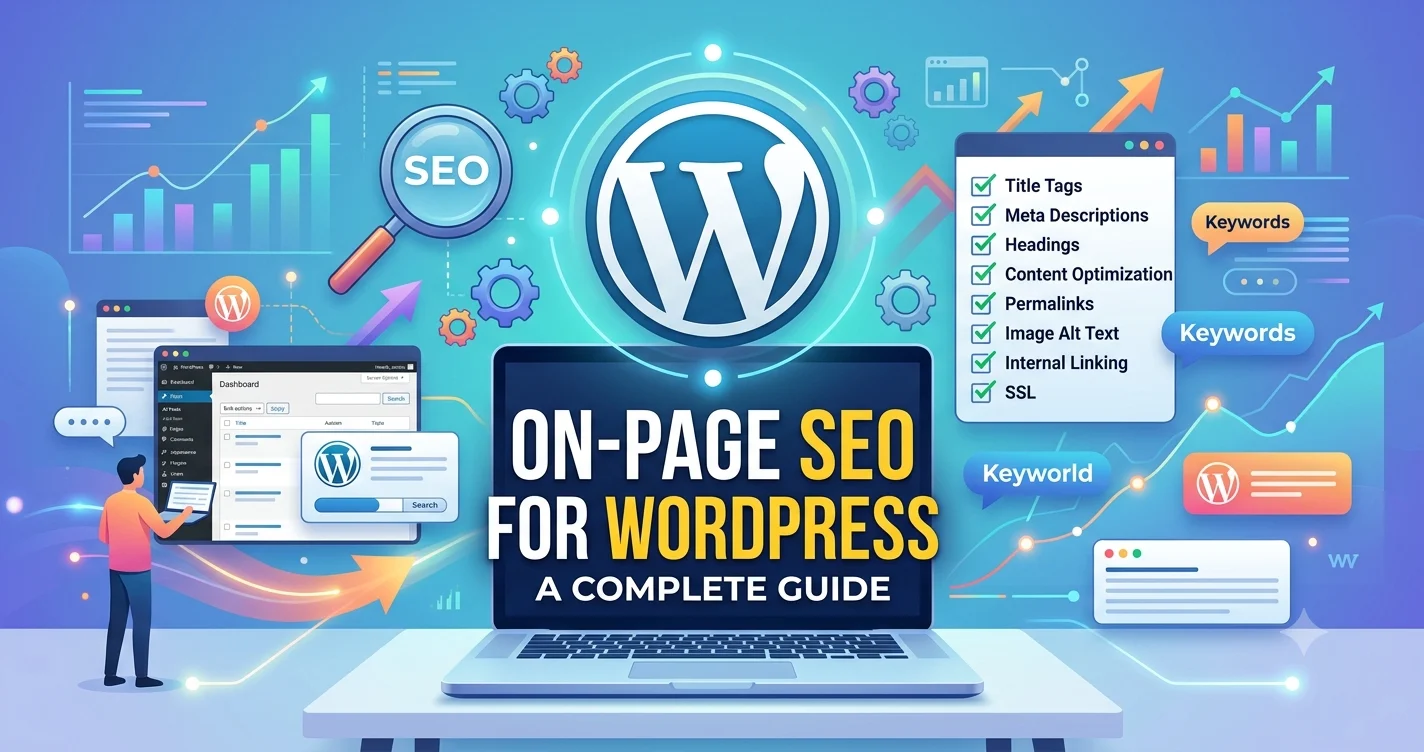
If you want your WordPress website to rank higher on Google, attract more organic traffic, and deliver a better user experience, mastering On-Page SEO for WordPress is essential. WordPress is one of the most SEO-friendly content management systems, but simply installing it isn’t enough to achieve top rankings. Proper optimization of your content, metadata, images, internal links, and site structure plays a vital role in improving visibility. This complete guide explains how to optimize your WordPress website using proven on-page SEO strategies that align with Google’s latest ranking guidelines.
On-Page SEO for WordPress: Why It Matters
Understanding On-Page SEO for WordPress begins with recognizing how search engines evaluate webpages. Google analyzes hundreds of ranking signals, including content quality, keyword relevance, page experience, internal linking, mobile usability, and website performance.
WordPress provides an excellent foundation for SEO because of its clean code, customizable themes, and support for optimization plugins. However, these features only become effective when combined with proper on-page optimization.
Well-optimized WordPress pages help search engines understand your content while making it easier for visitors to navigate your website. This improves search visibility, user engagement, and long-term organic growth.
Understanding WordPress SEO Fundamentals
Before applying advanced optimization strategies, it’s important to understand the basics.
WordPress allows you to optimize title tags, meta descriptions, URLs, categories, images, and internal links with ease. Plugins such as Yoast SEO and Rank Math can simplify many optimization tasks, but they cannot replace high-quality content or a well-planned SEO strategy.
Successful WordPress SEO focuses on satisfying user intent while making every page easy for search engines to crawl and index.
WordPress On-Page SEO Checklist for Every Page
Following a structured WordPress on-page SEO checklist ensures every page is fully optimized before publication.
Start by reviewing your keyword placement, title tag, meta description, URL structure, heading hierarchy, internal links, image optimization, and mobile responsiveness. Also verify that your page loads quickly and provides valuable information.
A consistent WordPress on-page SEO checklist helps eliminate common optimization mistakes while improving your website’s overall search performance.
Create High-Quality Content That Matches Search Intent
Content remains the most important ranking factor in modern SEO.
Every article should answer users’ questions clearly, provide accurate information, and solve specific problems. Avoid writing solely for search engines. Instead, focus on creating content that is engaging, informative, and easy to understand.
Organize your content using descriptive headings, short paragraphs, and naturally integrated keywords. Including related entities and semantic phrases helps search engines better understand the overall topic without making the content sound repetitive.
How to Optimize WordPress for SEO Step by Step
Many beginners ask How to optimize WordPress for SEO without becoming overwhelmed.
The process starts with selecting an SEO-friendly theme, creating clean permalink structures, optimizing title tags, writing compelling meta descriptions, and publishing high-quality content that satisfies search intent.
Learning How to optimize WordPress for SEO also includes optimizing page speed, enabling image compression, improving Core Web Vitals, and ensuring your website performs well on both desktop and mobile devices.
Consistent optimization across every page delivers better long-term SEO results than focusing on isolated improvements.
Explore More : SEO Freelancer in Chandrapur | SEO Freelancer in Bodri | SEO Freelancer in Bishrampur
Essential On-Page SEO Techniques for WordPress
Applying proven On-page SEO techniques for WordPress helps improve search visibility while creating a better user experience.
Optimize every page by including descriptive headings, meaningful internal links, properly formatted URLs, optimized images, and relevant keyword placement. Use schema markup where appropriate to help search engines better understand your content.
Another important part of On-page SEO techniques for WordPress is maintaining a logical website structure. Categories, tags, and internal linking should guide both users and search engine crawlers through related content naturally.
Optimize Images and Media Files
Images improve user engagement, but they should also contribute to SEO performance.
Compress large images before uploading them to WordPress. Use descriptive file names and meaningful alt text that accurately describe each image.
Optimized media improves page loading speed, accessibility, and search engine understanding while enhancing the overall browsing experience.
Embedding relevant videos, charts, and graphics can also increase time spent on your pages.
WordPress SEO Best Practices for Long-Term Success
Following consistent WordPress SEO best practices helps your website remain competitive as search algorithms evolve.
Regularly update older articles with fresh information, improve internal linking, monitor broken links, and remove outdated content. Keep plugins and themes updated to maintain security and performance.
One of the most valuable WordPress SEO best practices is focusing on user experience rather than excessive keyword optimization. Websites that prioritize readability, navigation, and valuable content consistently perform better in organic search.
SEO Optimization for WordPress Websites Beyond Content
Effective SEO optimization for WordPress websites goes beyond writing great articles.
Pay close attention to technical factors such as HTTPS security, XML sitemaps, canonical URLs, breadcrumb navigation, structured data, and mobile responsiveness. These improvements help search engines crawl your website more efficiently.
Successful SEO optimization for WordPress websites also involves monitoring performance through tools like Google Search Console and Google Analytics. Tracking user behavior and keyword rankings allows you to make informed optimization decisions over time.
Common WordPress SEO Mistakes to Avoid
Even well-designed WordPress websites can struggle if common SEO mistakes are ignored.
Avoid duplicate content, missing meta descriptions, slow-loading pages, oversized images, poor internal linking, keyword stuffing, thin content, and broken links.
Installing too many plugins can also negatively affect website speed, making regular performance audits an important part of your SEO strategy.
Businesses looking to improve their search visibility often combine content optimization, technical SEO, and strategic planning with experienced agencies such as DigitalParm to build sustainable organic growth.
Measuring Your On-Page SEO Performance
SEO success should always be measured using meaningful data rather than assumptions.
Monitor improvements in organic traffic, keyword rankings, click-through rates, page engagement, bounce rates, and conversions. Regular SEO audits help identify opportunities for improvement while ensuring your website continues to meet evolving search engine standards.
Remember that successful on-page SEO is an ongoing process of refining, updating, and improving your content.
Conclusion
Mastering On-Page SEO for WordPress is one of the most effective ways to improve your website’s search visibility and deliver a better experience for users. By optimizing content, metadata, images, internal links, page speed, and overall website structure, you create pages that are easier for search engines to understand and more valuable for visitors. Consistently applying these best practices will help your WordPress website achieve stronger rankings, attract qualified traffic, and support long-term online success.
Frequently Asked Questions
1. Is WordPress good for SEO?
Yes. WordPress is SEO-friendly and offers many built-in features that support search engine optimization.
2. Which plugin is best for WordPress SEO?
Popular options include Yoast SEO and Rank Math, both of which simplify many on-page optimization tasks.
3. How often should I update WordPress SEO?
Review important pages regularly and update content whenever information becomes outdated.
4. Does page speed affect WordPress SEO?
Yes. Faster-loading pages improve user experience and are an important Google ranking factor.
5. Can beginners perform on-page SEO in WordPress?
Absolutely. With the right strategy and consistent optimization, beginners can successfully improve their WordPress website’s SEO performance.


